
CY AFTERHOURS / PALETTE SKETCH
const dream = "create without limits";
makeSomething(dream);
Pastel daydreams, midnight terminals, forest greens, and quiet concrete. Find a place for your code, your next Blender scene, and the ideas still finding their shape.

Five dark themes. Three light themes. Each comes with coordinated workbench colors, syntax highlighting, semantic token rules, and a terminal palette.
The ZIP contains eight separate VSIX installers. Requires VS Code 1.100.0 or later. Choose one or install the whole collection; no extra theme, font, or icon pack is required.
const dream = "create without limits";
makeSomething(dream);
const dream = "create without limits";
makeSomething(dream);
const dream = "create without limits";
makeSomething(dream);
const dream = "create without limits";
makeSomething(dream);
const dream = "create without limits";
makeSomething(dream);
const dream = "create without limits";
makeSomething(dream);
const dream = "create without limits";
makeSomething(dream);
const dream = "create without limits";
makeSomething(dream);
The little code sketches above use each theme’s actual palette. Fonts, icons, extensions, and your editor settings can change how VS Code looks.
Our Soft & Vivid VS Code settings presets have their own little corner, too. They use GitHub Theme and a different setup from the eight VSIX themes above. Open the Cotton Candy guide ↗
Nine cute palettes, nine masculine palettes, and the original Cotton Candy Soft & Vivid. Pick strawberry pink, sleepy plum, mint, rosewood, midnight steel, deep teal, carbon black, or another little atmosphere for your next creation.
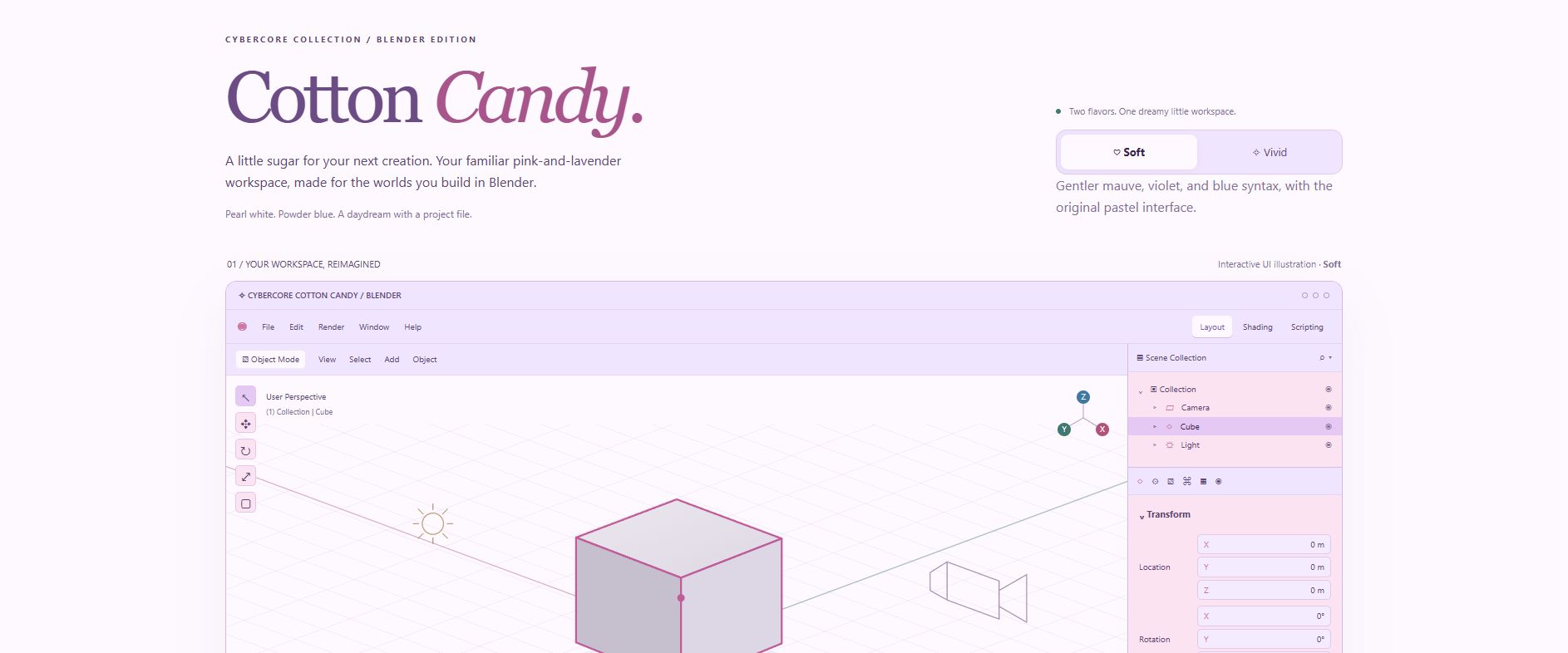
Gentler mauve, violet, and blue syntax in a pink-and-lavender workspace.
↓ Download Soft · XMLThe same pastel interface, with richer orchid and violet syntax and node headers.
↓ Download Vivid · XMLInstall the XML file through Blender’s theme preferences. The published validation notes report checks with Blender 5.2.3 LTS; other versions have not been tested. Read the Blender collection guide & compatibility notes ↗
Cotton Candy’s Soft & Vivid settings presets follow their separate guide.
The HTML page is a preview. The XML is the file Blender installs.
Come share your workspace, swap ideas, and find your people in CyberSpace.